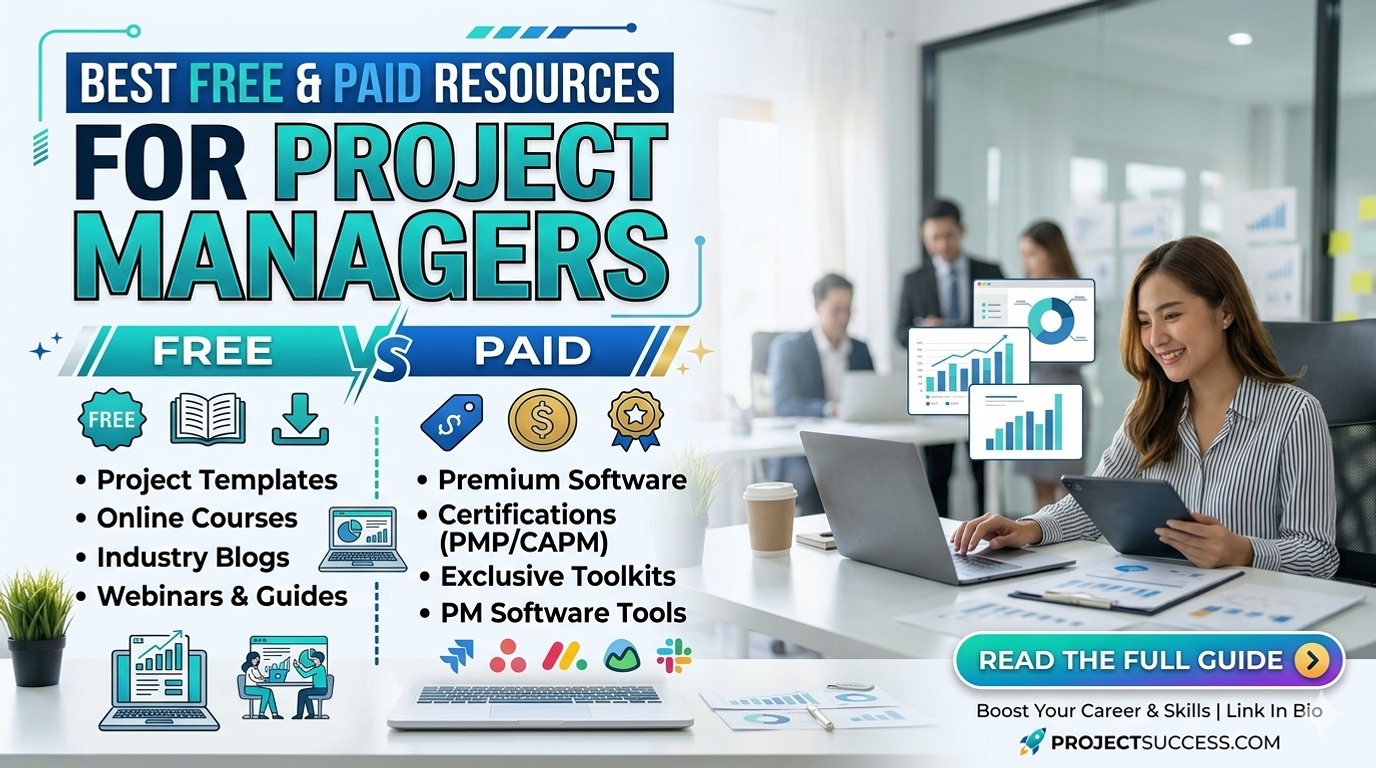
Best Free & Paid Resources for Project Managers
I'm a project manager who loves turning chaos into clarity. Over the years I’ve tested a hundred tools and a dozen books. Some resources sparkle, then fizzle. Others are plain but powerful, helping me ship real value. Here’s what actually helps me, from beginner-friendly tips to pro-grade shortcuts. And yep, I’m Canadian, eh—you’ll hear a few Tim Hortons stories sprinkled in here.
Free resources that actually move the needle
- Trello (free plan): a visual Kanban board that makes it easy to see what’s in progress, what’s blocked, and what’s next.
- Notion (free for individuals): one workspace for notes, roadmaps, and lightweight PM templates that you can adapt fast.
- Google Sheets + free templates: timelines, risk logs, budgets, and stakeholder maps you can share with the whole team in seconds.
- Scrum Guide (free PDF): if you’re dabbling in Agile, this is the concise authority on roles, events, and artifacts.
- YouTube tutorials and playlists: quick, practical PM tips from practitioners who walk you through templates and checklists.
- GitHub templates and open-source repo templates: Gantt charts, risk registers, and communication plans you can customize.
- Free courses and audit options: Coursera, edX, and other platforms let you learn without paying (certificates may cost extra).
Paid resources that deliver value
- LinkedIn Learning, Udemy, Coursera Specializations: structured paths from fundamentals to advanced scheduling, risk management, and strategy.
- Pluralsight and other tech-focused platforms: great for people managing software projects, DevOps concepts, and automation tooling.
- PMI membership and PMP prep packages: official content, practice exams, and discounts on events and resources.
- Premium templates and dashboards: advanced Excel/Sheets templates, Jira dashboards, or Notion templates for portfolio-level visibility.
- Project simulation labs and case studies: hands-on practice that mirrors real-world constraints and decision points.
Tools and tips to pair with your learning journey
- Get practical with a real project: pick something small, define scope, and apply a new technique each week.
- Keep a lightweight risk log: capturing risks early helps you learn how to respond, not just react.
- Build a one-page PM plan: scope, milestones, risks, owners—easy to share in stakeholder meetings.
- Establish a steady rhythm: daily stand-ups, weekly reviews, monthly retros—consistency beats overengineering.
- Mix approaches wisely: blend Agile for adaptability with a touch of Waterfall for predictability on fixed-scope work.
A book I love for PM wisdom
If you’re hungry for a story that doubles as a systems-thinking lesson, I recommend The Phoenix Project. It’s a page-turner about IT work, bottlenecks, and teamwork. It helped me see how small changes in communication and process can ripple into big results. While it’s fiction, the lessons feel incredibly practical for real-world projects. And if you want a solid framework to study, you can grab the PMBOK 6th Edition PDF here: PMBOK 6th Edition PDF.
One tiny Canadian anecdote to keep it relatable: I once solved a stubborn schedule snag by moving a planning board from a whiteboard onto a Tim Hortons cup, with a few colored markers. We kept the tempo, and the team stayed aligned. It sounds silly, but sometimes the simplest visuals beat the most sophisticated software. That moment reminded me to choose tools that actually fit the team, not just the feature list.
Want more tailored recommendations?
Tell me about your project type—software, construction, marketing, or operations—and your team size. I’ll tailor a starter list with free options first and show you a path to affordable upgrades as you grow. The goal is to nurture a smooth workflow, happy stakeholders, and less stress on the next deadline. Let’s get you there, one resource at a time.